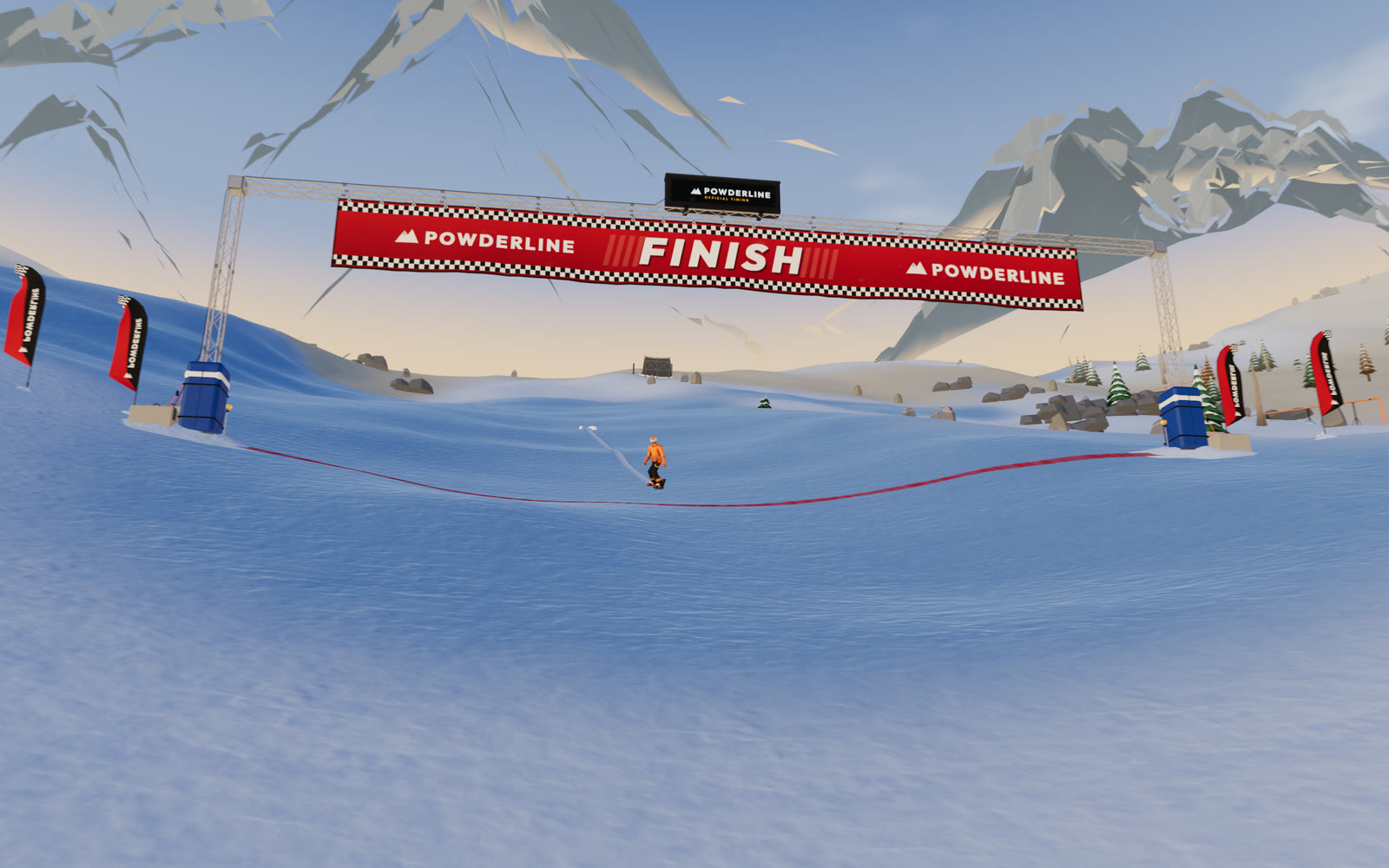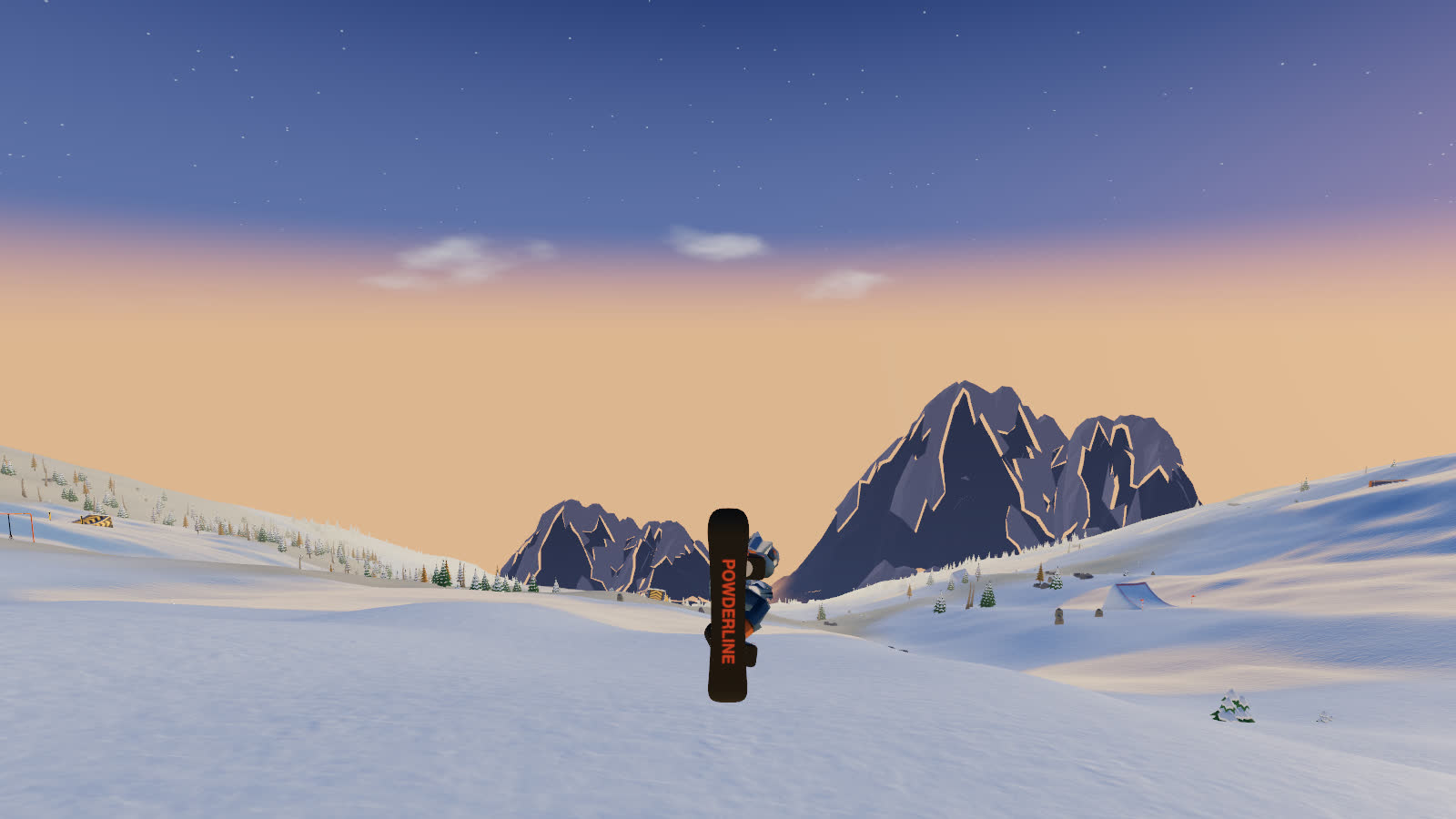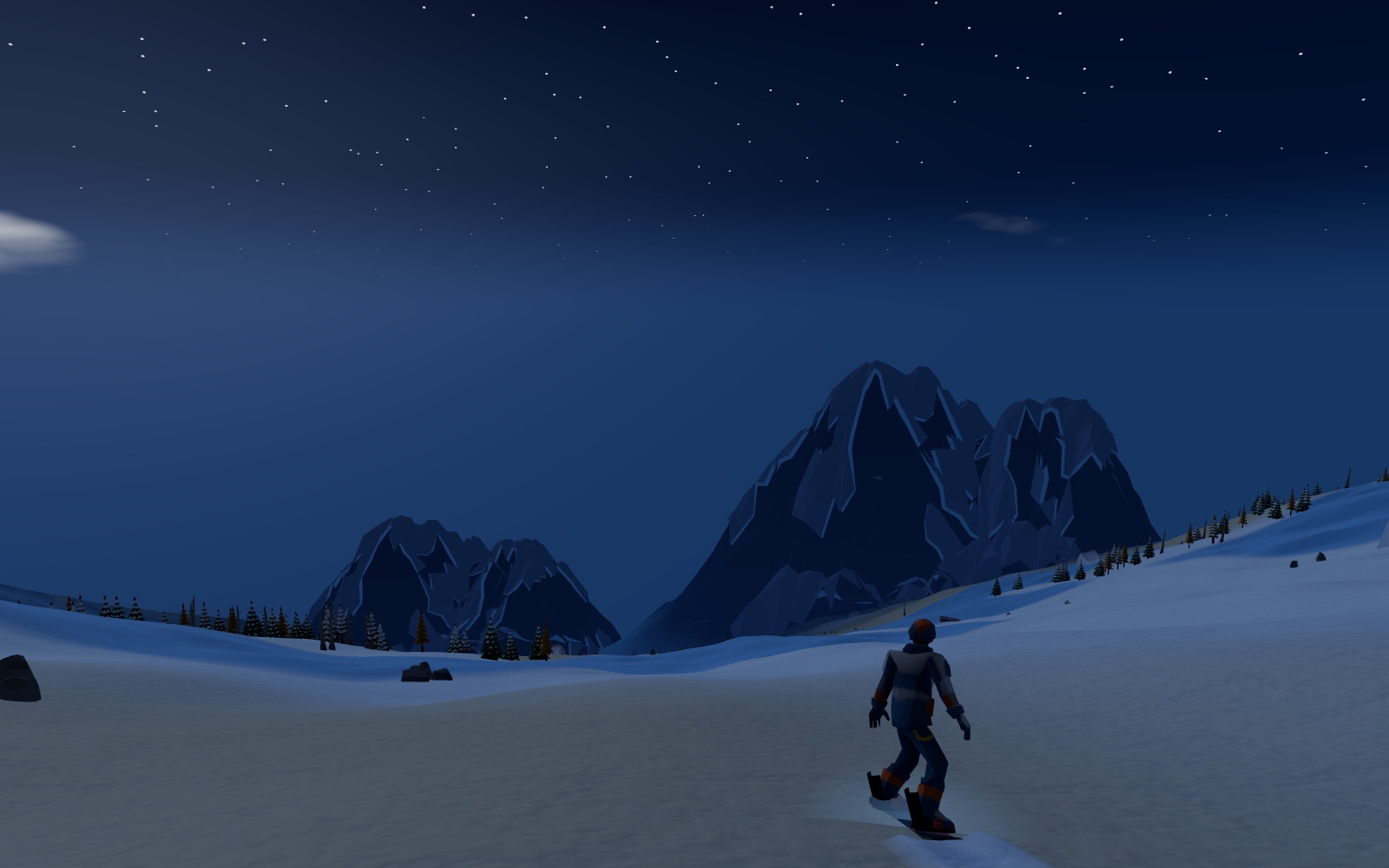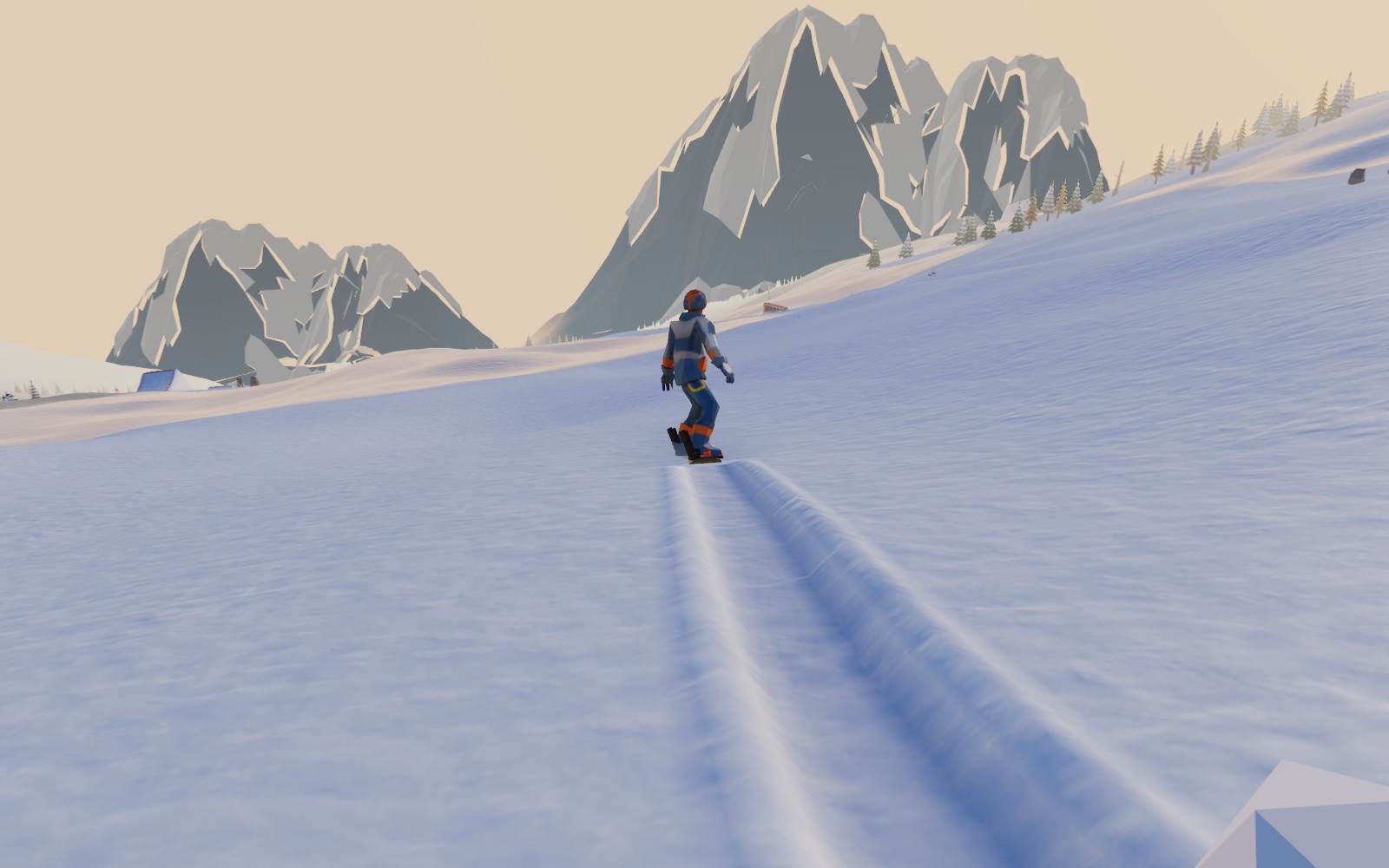
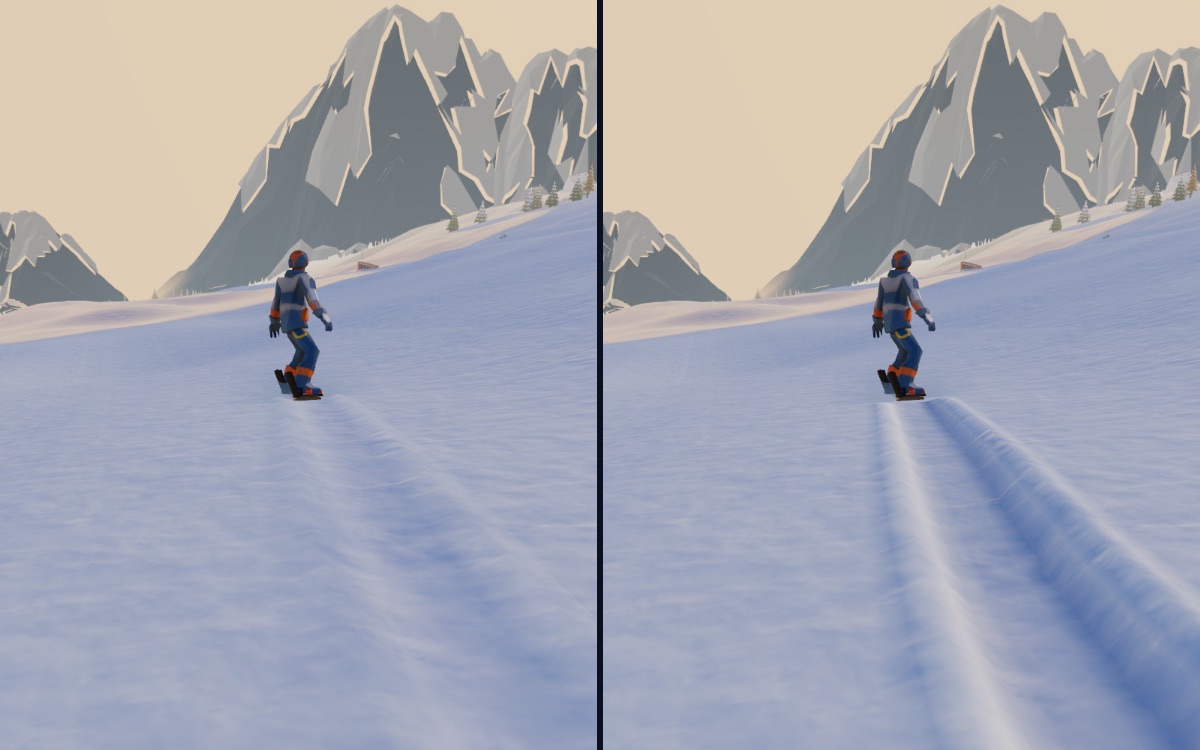
Look back up the slope after a run on fresh snow and you can read every turn you made. That line is half the pleasure of riding, and in Powderline it was barely there: a pale stripe you had to look for. This week the board learned to cut a real groove. This post covers what a groove looks like, why it could not simply be dug into the mountain, and the trick that draws it below the snow anyway. The short version is in the changelog.
Why the old track was faint
The old track was a strip laid on top of the snow, about a metre wide, with two low ridges along its edges. Its floor sat at the level of the snow around it, and the ridges rose seven and a half centimetres. That was enough to catch the light at a low angle, but not enough to read as a dent from the chase camera.
It was also always tinted plain white snow. Powder in Powderline is tinted warm so you can spot it, and ice is a dark steel blue. Across either one the track showed as a stripe of a different snow rather than a cut in the same one.
What a real groove looks like
A board on edge cuts down into the snow and pushes what it moves out to the sides. So the new track has a cross-section: a floor below the surface, walls rising to a lip back at snow level, and a berm of pushed-aside snow on each side. Each part is lit by its own slope, so on most lines one wall catches the sun and the other falls into shade. Down in the floor the walls hide part of the sky, so it is shaded darker and a little bluer, the way snow in shadow goes blue.
How deep it goes depends on the snow. In powder the board sinks and leaves a trench; in packed snow it leaves a carved groove; on ice the edge barely bites, so you get a thin scratch, white with frost against the dark glaze. The groove wears the colour of the snow it is cut into, and a harder carve cuts a little deeper. The lumps a carve throws up now rest on top of the berms instead of sinking into them.
A mountain you cannot dig into
The obvious way to make a dent is to push the ground down. That does not work here. The mountain's surface is a mesh with a vertex every two metres, generated as you ride, and a groove is about half a metre across. Pressing a few of those vertices down would sink a two-metre crater, not a groove, and the next chunk of mountain to stream in would not know about it.
So the groove has to be separate geometry. The berms are easy, because they stand above the snow. The floor is the hard part: anything drawn below the surface is hidden by it, because the graphics card only keeps whatever is nearest the camera at each pixel. A floor twelve centimetres down is simply behind the snow.
Drawing a hole
The fix comes from where a point appears on screen. Every point along the line from the camera through a pixel lands on that same pixel; only its distance changes. So each point of the floor is drawn where it really is on screen, but slid along its line of sight toward the camera until it sits just in front of the snow. On screen nothing moves. To the depth test, the floor now lies on the surface instead of under it, so it is no longer hidden.
That alone would show too much. Look into a real groove from the side and the near lip hides part of the floor. The shader knows where each floor point's line of sight crosses the snow. If that crossing falls outside the groove's opening, the line of sight went into the snow beside the groove, so the lip is in the way. That point is dropped and the snow beside the groove shows instead. The berms are drawn where they really are and write their depth like any solid object, so a near berm hides the far side of the groove as it should.
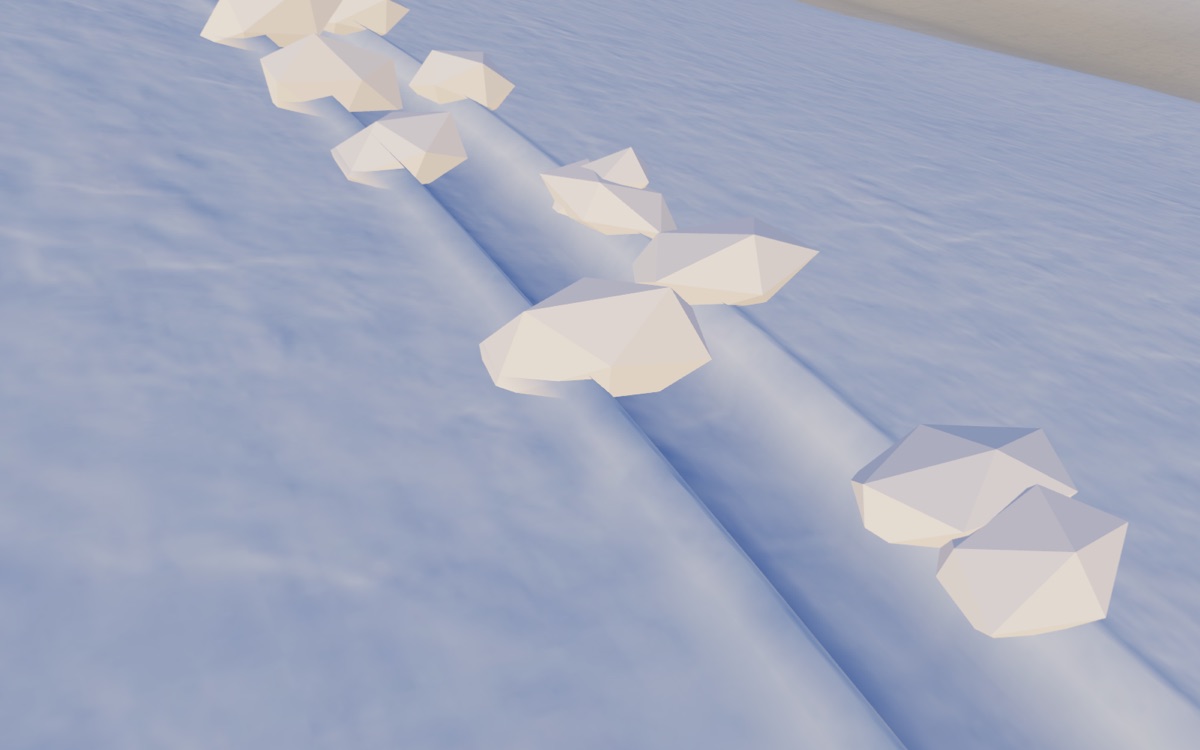
Two details make it read right. The board rides on the snow rather than in it, so the newest metre of groove comes up to meet the board's tail instead of ending in a cut behind it. After a jump, the groove deepens over its first metre from the touchdown, so the camera never looks into an open end.
Cheaper as well as deeper
The track stays on the mountain for about 240 metres behind you, as far back as the mountain itself is kept, and fades over its last stretch. It used to be stored newest first, so every new slice shifted the whole buffer along and sent all of it to the graphics card again, around 470 kilobytes up to sixty times a second at speed. Now the slices sit in a ring: each new slice takes the oldest one's place and uploads only itself, about a kilobyte and a half. The fade at the end is worked out on the graphics card from each slice's age, so the old slices never need rewriting.
The groove has twice the triangles of the old strip, still a single draw. Laying a new slice, with the snow's height under each part of it and the snow's colour, takes about eleven microseconds.
How it was tested
Unit tests check that the ring never draws the piece joining the newest slice to the oldest, which would be a sliver right across the mountain, and that a slice uploads only itself. They also check the profile and the depth rules: powder cuts deepest and ice barely at all.
Then it was looked at. The screenshot tool now has a scenario that rides S-turns and films the line from the chase camera, from above, looking back up the slope, and close on a berm, on packed snow, powder and ice, at midday and golden hour. It ran on both of the game's renderers, WebGPU and WebGL, and through a hockey stop's wide swath and a cosmetic trail, whose ribbon now lies in the groove.
Try it
Carve a few turns through powder, then look back up the slope. The kinds of snow are explained on the snow page, the hockey stop that sweeps its own swath is in How a snowboarder stops, and the rest of the week is in A week on the mountain.