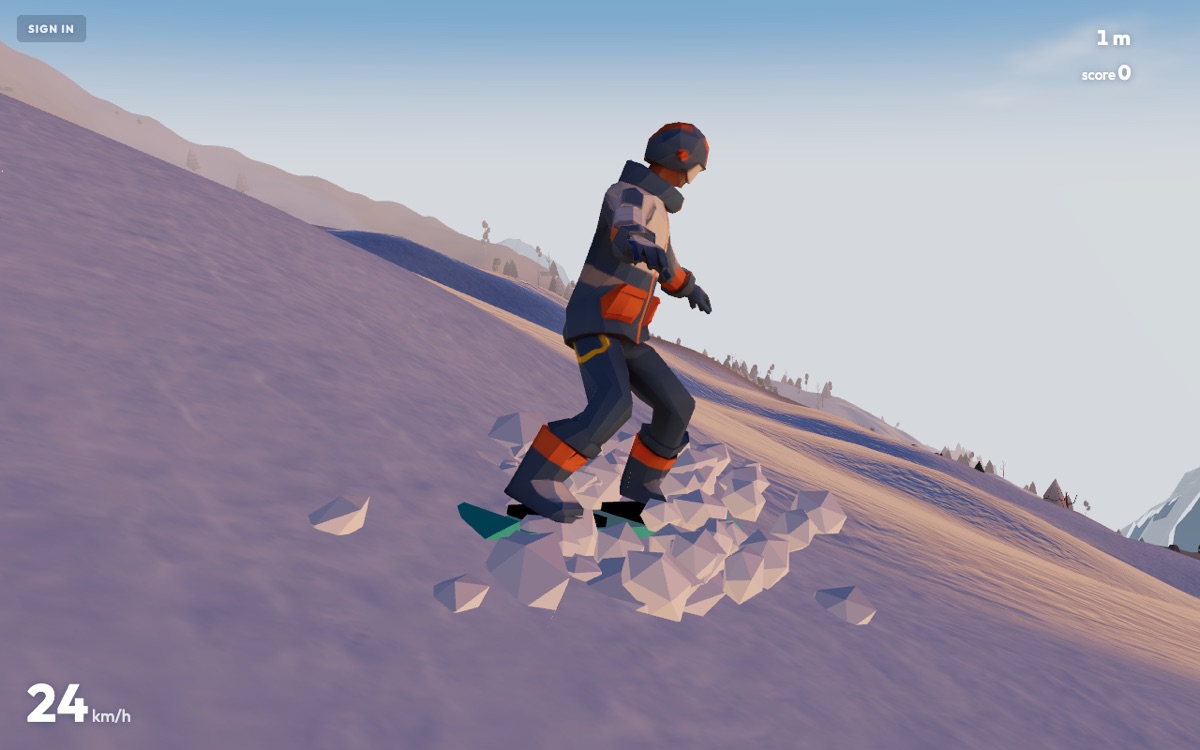
The race will not connect
1v1 races have no game server: the two browsers talk to each other directly over WebRTC, and a small signalling service only introduces them. That is why a race costs nothing and never lags behind a server — and why some networks cannot host one. In order of likelihood:
- The network blocks direct connections. Office, school, university and hotel networks, and some mobile carriers, sit both players behind address translation that refuses peer traffic. A home connection or a phone hotspot on either side usually fixes it. If one of you can connect from home and the other cannot, the other's network is the one in the way.
- The host closed the lobby. The invite link only works while the host is sitting in the race lobby. Send the link, then wait there — do not start a solo run.
- Private windows and strict browser settings. Some private modes and privacy extensions block WebRTC entirely. Open the link in a normal window, and try with extensions off.
- A VPN on one side. Many VPNs drop peer connections. Pause it for the race.
Both riders get the identical mountain because the terrain is generated from the same numbers on both machines — nothing about the slope is sent over the connection, only where each rider is. If the connection drops mid-race, the race ends; there is no rejoin.
Low frame rate, or the picture looks soft
Powderline runs a frame-rate watchdog. When the game sits under about 42 frames per second for a couple of seconds, it lowers the rendering resolution a notch (down to 60% of the screen), and it raises it again once the frame rate has been comfortably above 57 for ten seconds. A slightly soft image is that watchdog doing its job; a stutter means it has run out of room. To give it more:
- Set quality to LOW in settings. Low drops the fog and the weather passes entirely, which is the single biggest saving. Phones start on LOW by default.
- Turn motion blur off in settings — the speed blur is a full-screen pass that a weak GPU feels.
- Close other tabs and windows that draw — video calls, a second game, a browser playing video.
- Plug a laptop in. On battery most laptops throttle the GPU hard.
- Check hardware acceleration is on in the browser (Chrome: Settings → System; Firefox: Settings → General → Performance). With it off, the game is drawn by the CPU and nothing else will help.
- Try the other renderer. On browsers that support it the game renders with WebGPU and falls back to WebGL where it does not. If a new graphics driver produces a corrupt picture, add ?gl=1 to the address to force WebGL and let us know.
Controls
- Keyboard: A / D carve, W tuck, S stop, SPACE jump, SHIFT ride faster, P menu. In the air the same keys become spin, frontflip, backflip and grab. The full map is on the controls page.
- A controller is not detected. Browsers only expose a gamepad after a button has been pressed on it while the page has focus, so press any button first, then move the stick. Bluetooth pads must be paired to the computer before the page opens. If a pad worked once and stopped, click into the page to give it focus back.
- Touch. On phones and tablets the controls are on screen: the coach explains them once per device on your first run. The quality watchdog matters most here — see above.
- The keys do nothing. The page has lost focus: click or tap the game once. Some browser extensions that "vim-ify" the keyboard also capture W A S D.
No sound
All of Powderline's sound is synthesised in the browser — there are no audio files — so if you hear nothing at all it is the browser holding the audio back, not a missing download.
- Tap or click once. Every browser waits for an interaction before a page may play sound.
- iPhone: Safari mutes web audio while the ring/silent switch is on silent. Flip it. If the sound stops after you switched apps, tap the screen once and it resumes.
- The sound toggle in settings is remembered per device; check it is on.
Accounts and progress
- I lost my progress. Without an account, your best run, settings and rider name live only in this browser's storage. A cleared browser, a private window or a different device starts fresh. Create an account (e-mail or Google) and everything — coins, gear, quests, the ride log — follows you.
- I cannot sign in. Check the address for typos, and try "Continue with Google" if that is how you signed up. What you type in the sign-in form carries over to the create-account form and back, so switching between them costs nothing.
- My rider name was rejected. Names are filtered for offensive words, including spelled-around versions. The filter is strict on purpose; pick another name. If an innocent name is blocked, write to us — it happens, and the list is corrected by hand.
- I want my account gone. RIDER → ACCOUNT → DELETE ACCOUNT. It is immediate and permanent, and it takes the leaderboard entries with it.
- Coins did not arrive after a quest. Quests are validated on the server, so a payout can lag a run by a moment. If it is still missing after the next run, send the rider name and the quest — the ride log shows exactly what was recorded.
Playing on a portal
When Powderline is embedded on a games portal it runs in guest mode: you can ride, race and post to the leaderboard, but accounts, coins and the wheel stay on powderlinegame.com, where your progress is kept. Play there if you want any of it to persist.
On your home screen
On a phone, the game offers to install itself once — a shortcut on the home screen that opens full-screen with no browser bars. If you dismissed it, use the browser's own "Add to Home Screen" (Safari's share sheet, Chrome's menu). It is the same game, cached for a faster start; there is nothing to download from a store.
Still stuck?
Send it in — the contact page says what to include so it can be reproduced, and a report that leads to a fix earns 200 coins. The in-game FEEDBACK & BUGS box can attach a screenshot straight from the run.
Your first run starts in seconds
Free in your browser on a laptop, a phone or a gamepad. No download, no sign-up.
PLAY FREE