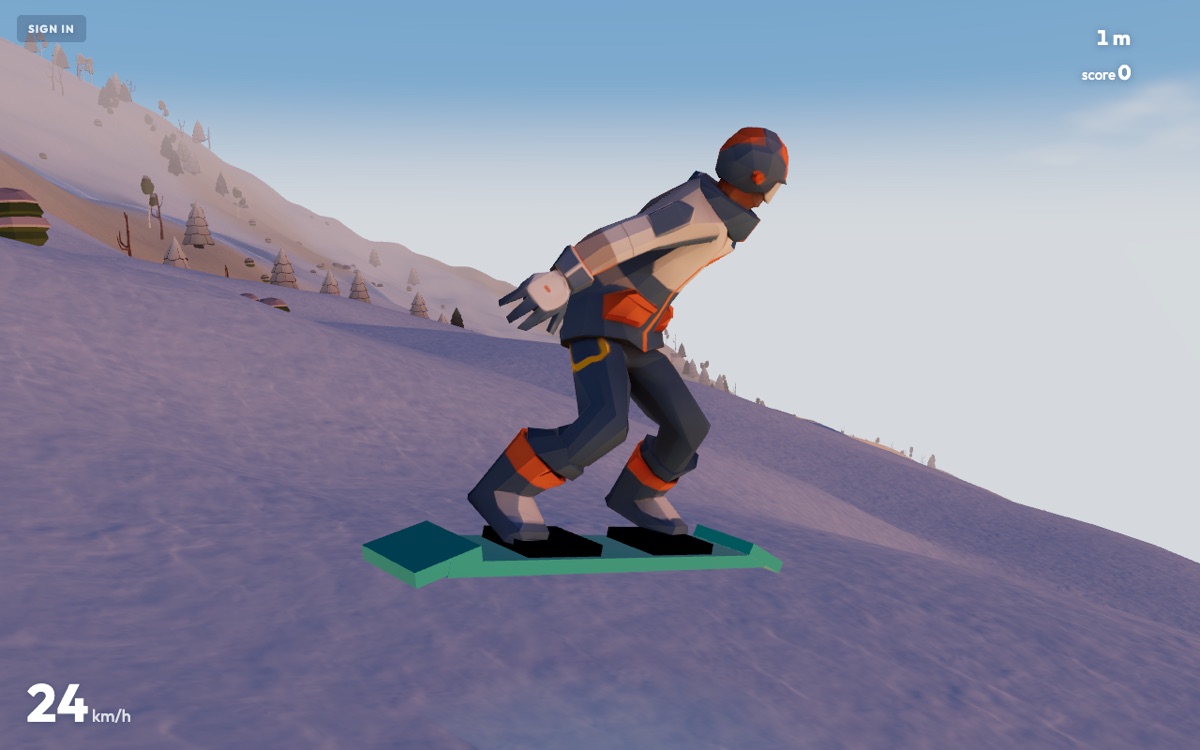
Keyboard
| KEY | ON SNOW | IN THE AIR |
|---|---|---|
| A / D | carve left / right | spin |
| W | tuck for speed | frontflip |
| S | hockey stop — hold to stay stopped | backflip |
| SPACE | jump — also pops you off a rail | — |
| SHIFT | ride faster | grab |
| T · M · P | time of day · mute · pause (ESC also pauses) | |
| R | reset — picks you up where you fell | |
| L · K · N | radio on or off · station (POWDERLINE FM's lofi or APRÈS FM's deep house) · next track | |
Steering is progressive: the edge engages over about a tenth of a second and releases a touch quicker, so a tap is a nudge and a hold is a carve. A tuck held across a kicker lip is a frontflip and a steer held across it is a spin — the takeoff reads the keys you are already holding as intent, so a trick never needs a separate button.
Controller
Plug in any standard gamepad and it works without setup. The mapping follows the keyboard:
- Left stick or d-pad — carve; spin in the air. The stick is analog: half a deflection is half a carve.
- RT tuck, LT brake; front and back flip in the air. The stick's vertical axis does the same.
- A — jump, and drop back in from the wipeout card.
- X, RB or B — ride faster; grab in the air.
- Start pauses, Y cycles the time of day, Back resets.
Landings, boosts and wipeouts come through the rumble, scaled to the impact.
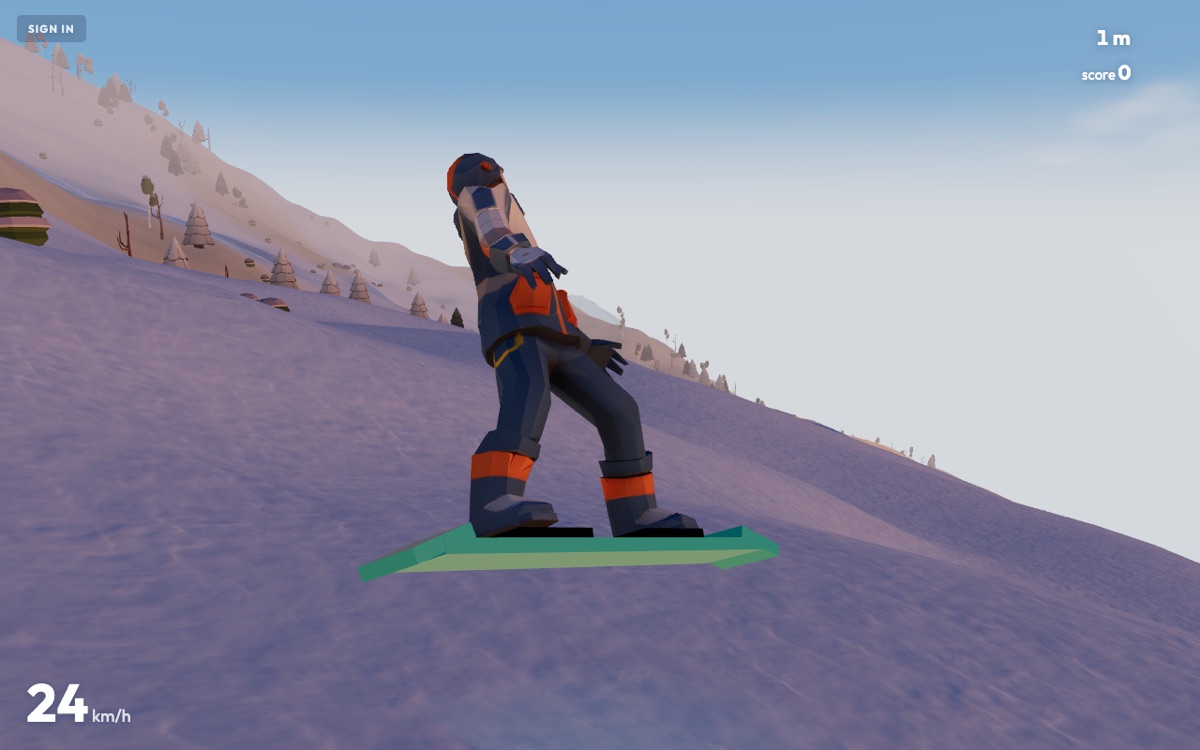
Phone and tablet
On a touch screen the left half of the screen is a floating steering pad: put a finger down anywhere there and drag. About 64 pixels of sideways drag is a full carve (a spin in the air); a vertical drag of 30 pixels or more past the dead zone engages tuck or brake (front or back flip in the air). JUMP is a tap and BOOST is a hold — faster on the snow, a grab while airborne. Tap anywhere on the wipeout card to drop back in.
Landscape is the intended orientation: the chase camera is framed for a wide view. Portrait works, with the field of view opened up to compensate.
Settings
- Time of day — midday, golden hour, dusk, night, dawn. It changes the sun, the sky, the fog and how the snow is lit; it changes nothing about the physics.
- Sound — on or off. There are no audio files; everything is synthesised in the browser.
- Render quality — HIGH renders at your screen's native density and runs the full effects stack: valley fog, blizzard, speed blur and snow that remembers your track. LOW renders at 1x and skips the stack entirely. Phones default to LOW.
- Motion blur — its own switch, because a smearing screen is something people turn off for comfort rather than for frame rate. Turning it off keeps the fog and the weather.
The quality watchdog
Whatever you pick, a watchdog keeps the frame rate honest. If the game sits under about 42 fps for two and a half seconds, the render resolution steps down 15%; once it has held over 57 fps for ten seconds, it steps back up. It bottoms out at 60% of your chosen resolution. A slightly softer image reads as nothing at all; a stutter reads as broken. Choosing a quality setting by hand resets the watchdog to a clean slate.
Your first run starts in seconds
Free in your browser on a laptop, a phone or a gamepad. No download, no sign-up.
PLAY FREE